Feeds - RSS, Events, Date
RSS Feeds
New: Upcoming Events and Past Events Tabs
These feeds could now be displayed by date. Use rssparsefeed_date.php with &pastevents=1 as the url parameter to show "Upcoming" and "Past" tabs.
<!--#include virtual="/utilities/feed/rssparsefeed_date.php?num=4&size=4&title=1&date=0&desc=1&button=1&inbody=1&forhome=0&titlelink=0&nopad=0&linkhide=0&althead=1&pastevents=1&url=https://inside.tru.ca/events/category/svpr/feed" -->In order to insert an RSS feed on a page, you must include the script. The following variables can be used to customize it to your liking.
Important
- The first variable must be prefaced with a '?'. The remaining variables all use an '&' as a preface.
- The last variable must be '&url'. If other variables follow it, the script may not work correctly or at all.
- The URL must be 'https://'. This will prevent a mixed content blocking/warning error that might prevent the images from showing up as expected.
- The order of the variables before the &url is irrelevant.
- You may omit variables you do not want to use; this will set them to 0 by default.
- Except where otherwise indicated, accepted options are 0 or 1.
- num - This specifies the number of items to load. Typically, this will be between 3-10. Accepted options are 1-10.
- size - This specifies the size of an image to display, to be displayed with the specified column width out of 12. For example, if the number specified is 3, the image will be 1/4 (3/12) of the available space. To display a full-width image in a sidebar, specify a size of 12. For any number less than 12, the description will be aligned to the right of the image. If a 0 is specified, the image will be hidden. Feed items that do not have a featured image attached will be formatted correctly regardless of this setting. Accepted options are 0-12.
- title - This will show or hide the title.
- date - This will show or hide the date.
- desc - This will show or hide the description.
- button - This will make the 'Read more' link a button or text.
- inbody - This will enlarge the headings for better legibility in the body of a page.
- forhome - This will change the entire layout for use on the homepage. This should ONLY be used on the homepage; most other variables will be ignored when this variable is enabled.
- titlelink - This will link the title, making it teal.
- nopad - This will reduce the padding around each feed item.
- linkhide - This will show or hide the link. This will override the button setting. If this is set to 1, the title will be linked automatically.
- althead - This will underline the headings.
- url - This specifies the feed URL. It must be an RSS XML feed.
<!--#include virtual="/utilities/feed/rssparsefeed.php?num=4&size=4&title=1&date=0&desc=1&button=1&inbody=1&forhome=0&titlelink=0&nopad=0&linkhide=0&althead=1&url=https://inside.tru.ca/category/featured/feed" -->
The above code will display the below feed:

TRU researchers awarded nearly $595,000 in SSHRC funding
Thursday, July 23 2026
TRU researchers receive nearly $595,000 in SSHRC funding to advance research addressing social, economic and environmental challenges.
Read more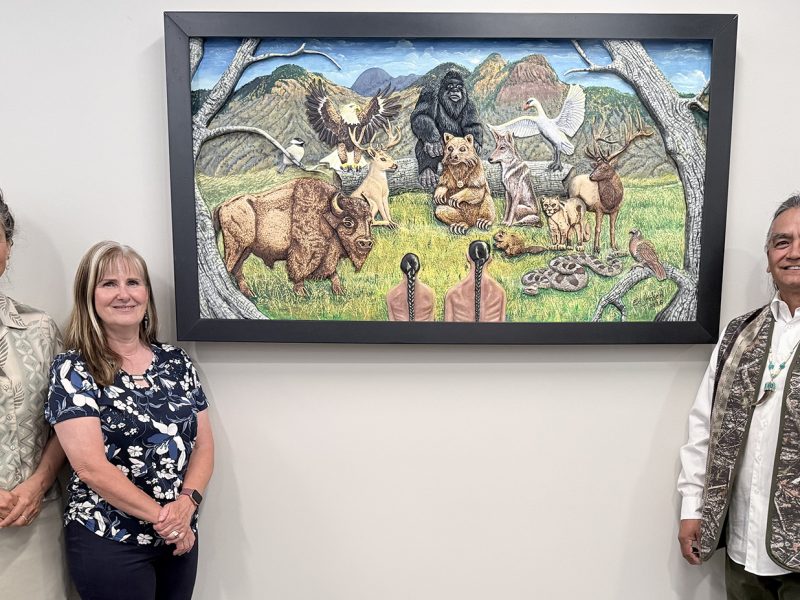
Cedar carving brings Secwépemc stories of health and connection to TRU Nursing
Thursday, July 16 2026
A new cedar carving by Secwépemc artist Ed Jensen brings teachings about health, care and connection to TRU's School of Nursing.
Read more
Nursing students begin Canoe Journey
Wednesday, July 15 2026
A new initiative of the First Nations Health Authority and TRU gives students opportunities to learn alongside First Nations communities.
Read more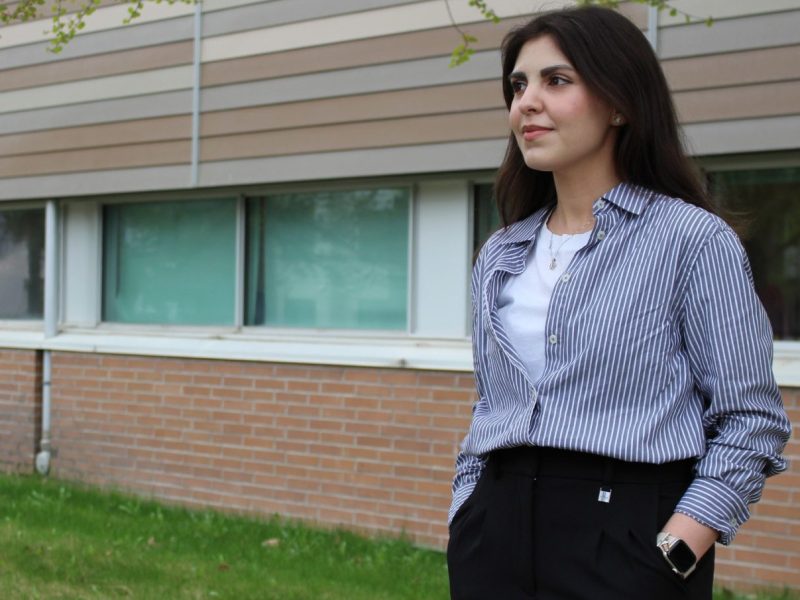
International student overcomes challenges with donor support
Wednesday, July 8 2026
Donor support from RBC provided a TRU business student from Iran with desperately needed funds as well as the motivation to keep going.
Read more<!--#include virtual="/utilities/feed/rssparsefeed.php?num=3&size=12&title=0&date=0&desc=0&nopad=1&linkhide=1&url=https://inside.tru.ca/category/featured/feed" -->
The above code will display the below feed:
Event Feeds
Event feeds work almost identically to RSS feeds. However, the only options are: num and inbody. The 'inbody' element will enlarge the font size of the feed.
To create the URL for an events feed, go to events.tru.ca and view the category or tag of the feed you want to display, then add 'eo-events?event_start_after=now' to the end of the URL. The include statement should look like the following:
<!--#include virtual="/utilities/ics-parser/parseEvents.php?num=4&inbody=1&url=https://inside.tru.ca/events/category/faculty-and-staff/eo-events?event_start_after=now" -->The above code will display the below feed:
Fall convocation
Date: October 9, 10:30am - 12:30pm
Location: Tournament Capital Centre (TCC)
Are you (or someone you know) graduating this fall?
TRU Remembrance Day ceremony
Date: November 9, 10:30am - 11:15am
Location: Old Main
TRU welcomes students, staff, faculty and the community to the 2026 Remembrance Day ceremony.
TRU Foundation Gala: third annual Winter’s Ball
Date: November 14, 5:00pm - 11:55pm
Location: Campus Activity Centre
Join us for the third annual TRU Foundation Gala — a black-tie evening of elegance and impact in support of TRU students.
Dates and Deadlines Feeds
To display a feed of upcoming Dates & Deadlines, it is configured much like the other feeds.
The defaults are:
- Number of items: 5 (num=5)
- Link the title with the URL (url=1)
- Use smaller text (h4 for titles, p for dates)
- Show all dates (audience=all)
- Display as a list (blockgrid=0)
- If blockgrid is enabled, display a grid of dates 3 wide on medium screens (grid=3)
The possibilities for the size variable are: 12,14,16,20,24,28,32. This will change the date size; the title will be 4px larger. For instance, if &size=20, the dates will be 20px and the titles will be 24px. Enlarging the fonts will allow the text to be visible on CCTV screens.
The options to display in a block grid are: &blockgrid=1 to enable, &grid=2 (typically 2-4 is appropriate, default is 3).
The options to for the audience variable are: &audience=staff or &audience=student. The default (left blank) will display all dates.
<!--#include virtual="/utilities/dates/dates-list.php?num=8&url=0&size=14&blockgrid=1&grid=4" -->The above code will display the below feed:
[an error occurred while processing this directive]Podcast Feeds
Podcast feeds work almost identically to RSS feeds. Set the button variable to "2" to convert the RSS to the podcast feed.
Add the link to the podcast feed (can be taken from the podcast hosting service) to the end of the URL. The include statement should look like the following:
<!--#include virtual="/utilities/feed/rssparsefeed.php?num=3&size=3&title=1&date=0&desc=1&button=2&inbody=1&forhome=0&titlelink=1&nopad=0&linkhide=0&althead=1&url=https://tru-alumni-podcast.trubox.ca/feed/podcast/"-->The above code will display the below feed:
Season 2 Episode #10 – Giving 100%
In this captivating season finale episode of the TRU Alumni Podcast, host Dustin McIntyre interviews former star goalkeeper for the Thompson Rivers University WolfPack men’s soccer team, Jackson Gardner. Now playing professionally for the Glenorchy Knights in Australia’s National Premier...
Listen
Season 2 Episode #9 – The Power of Data
In this episode of the TRU Alumni podcast, we are excited to welcome Rashmit Singh Sukhmani (MBA ’15), the founder of SatSure, a cutting-edge technology company that is revolutionizing the way we use data in agriculture. Rashmit shares his journey...
Listen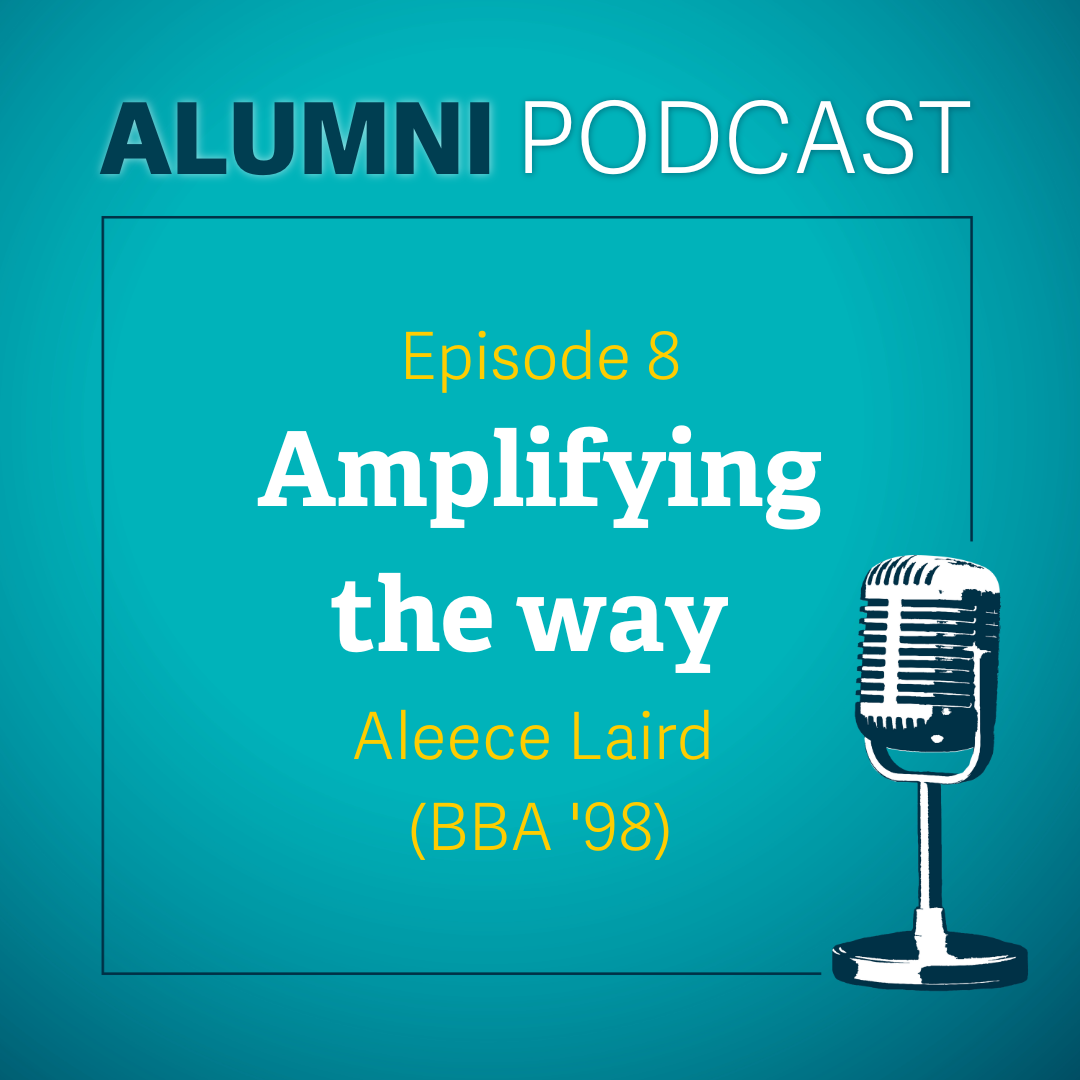
Season 2 Episode #8 – Amplifying the Way
In this episode, we talk with Aleece Laird (BBA ’98), CEO of Amplify Consulting Inc., about her journey of entrepreneurship, community involvement, and balancing multiple commitments. During the interview, Aleece shares her journey of starting Amplify Consulting, her passion for...
Listen